
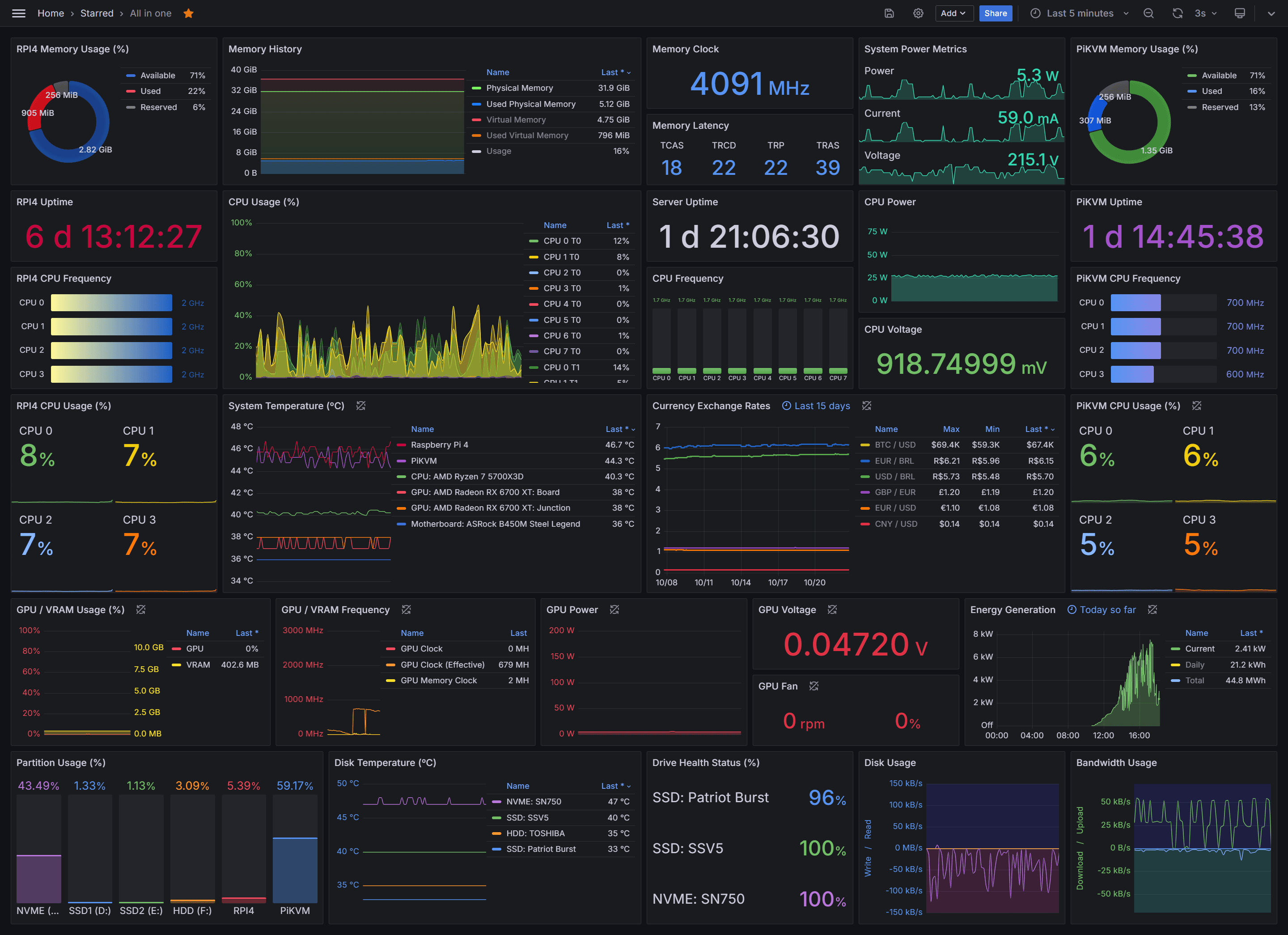
v1.0.0 of the Grafana datasource worked. Queries ran, dashboards rendered, data showed up. But it had two subtle bugs that caused massive data bloat — and we didn't catch them until we started testing with larger time ranges.
The Arc queries themselves were fast. The problem was that the plugin was grabbing way more data than it needed. Instead of returning 712 rows for a 30-day query, it was returning 604,801. Instead of a 117KB response, Grafana was receiving 59MB. All that unnecessary data made dashboards slower than they should have been — not because Arc was slow, but because Grafana had to process and render 850x more rows than necessary.
v1.1.0 fixes both bugs, adds query splitting for large time ranges, and brings a few quality-of-life improvements.
The Numbers
Here's what changed for a real-world 30-day query across 60 million rows and 900 compacted Parquet files:
| Metric | Before (v1.0.0) | After (v1.1.0) | Improvement |
|---|---|---|---|
| Rows returned | 604,801 | 712 | 850x fewer |
| Response size | 59MB | 117KB | 500x smaller |
| Cold start (no split) | ~300s | 29s | 10x faster |
| Cold start (1d split) | — | 18s | — |
| Hot (cached) | ~45s | 14s | 3x faster |
The big win isn't query speed — it's data efficiency. v1.0.0 was making Arc and Grafana do 850x more work than necessary.
Bug #1: Null-Fill Bloat
When Grafana converts time-series data from "long" format (one row per data point) to "wide" format (one column per series), it needs to fill in gaps where some series have data and others don't. The LongToWide function has a FillMode parameter for this.
We were using FillModeNull — which sounds reasonable. "Fill gaps with nulls." But what it actually does is expand the time axis to per-second resolution and insert null rows for every missing second. An hourly query over 7 days doesn't have 168 rows — it has 604,800. Each one padded with nulls across every series column.
A 7-day dashboard that should return a few hundred rows was returning over half a million. Grafana was processing 59MB of mostly-null JSON when it only needed 117KB.
The fix: pass nil instead of FillModeNull. This tells LongToWide to only include timestamps that actually exist in the source data. Same visual result in the chart, 850x fewer rows.
Bug #2: date_trunc Nanosecond Residual
This one was sneakier. DuckDB stores timestamps with nanosecond precision (TIMESTAMP_NS). When you call date_trunc('hour', time) or time_bucket(INTERVAL '1 hour', time), DuckDB truncates to the hour — but retains sub-second residuals from the original nanosecond timestamp.
So two readings at 14:23:17.123456789 and 14:45:02.987654321 both get "truncated" to 14:00:00 — but their nanosecond residuals differ. GROUP BY sees them as different values. Instead of one row per hour, you get one row per original reading.
This compounded the null-fill bug — more unique timestamps meant even more rows for LongToWide to bloat with nulls.
The fix: a new $__timeGroup macro that uses epoch-based integer math to properly bucket timestamps, stripping nanosecond residuals entirely.
New: Query Splitting
Even with both bugs fixed, 30-day queries over hundreds of compacted Parquet files on S3 are inherently slow on first load — the files need to be downloaded before DuckDB can process them.
Query splitting breaks a large time range into smaller chunks and processes them in parallel. Four concurrent goroutines fetch and process sub-ranges simultaneously, overlapping S3 downloads with DuckDB query execution.
You configure it per-query in the editor with a dropdown: 1 hour, 6 hours, 12 hours, 1 day, 3 days, or 7 days. For a 30-day query with 1-day splitting, that's 30 parallel chunks instead of one monolithic query. Cold-start time dropped from ~300 seconds to 18.
Auto-Migrate from Postgres/MySQL/MSSQL
Small but useful: when you switch a Grafana panel's datasource from Postgres, MySQL, or MSSQL to Arc, the query was disappearing. Those datasources store the query in a rawSql field. Arc expects sql. The query was there — just invisible.
Now the plugin detects rawSql on mount and migrates it to sql automatically. Switch your datasource and your query is still there.
Better Error Messages
v1.0.0 would show "query failed" for everything — connection refused, malformed SQL, Arc-side errors. Now:
- Arc error messages surface directly in the Grafana panel
- Connection refused tells you to check the Arc URL
- EOF errors during streaming get a human-readable explanation
Small thing, but it saves a lot of time when debugging dashboard issues.
Get It
Download v1.1.0:
wget https://github.com/basekick-labs/grafana-arc-datasource/releases/download/v1.1.0/basekick-arc-datasource-1.1.0.zip
unzip basekick-arc-datasource-1.1.0.zip -d /var/lib/grafana/plugins/
systemctl restart grafana-server
Or if you're running Grafana in Kubernetes/OpenShift:
kubectl exec -it deployment/grafana -- /bin/sh
wget https://github.com/basekick-labs/grafana-arc-datasource/releases/download/v1.1.0/basekick-arc-datasource-1.1.0.zip
unzip basekick-arc-datasource-1.1.0.zip -d /var/lib/grafana/plugins/
exit
kubectl rollout restart deployment/grafana
Thanks to Khalid (PR #6) for the contribution.
Resources: